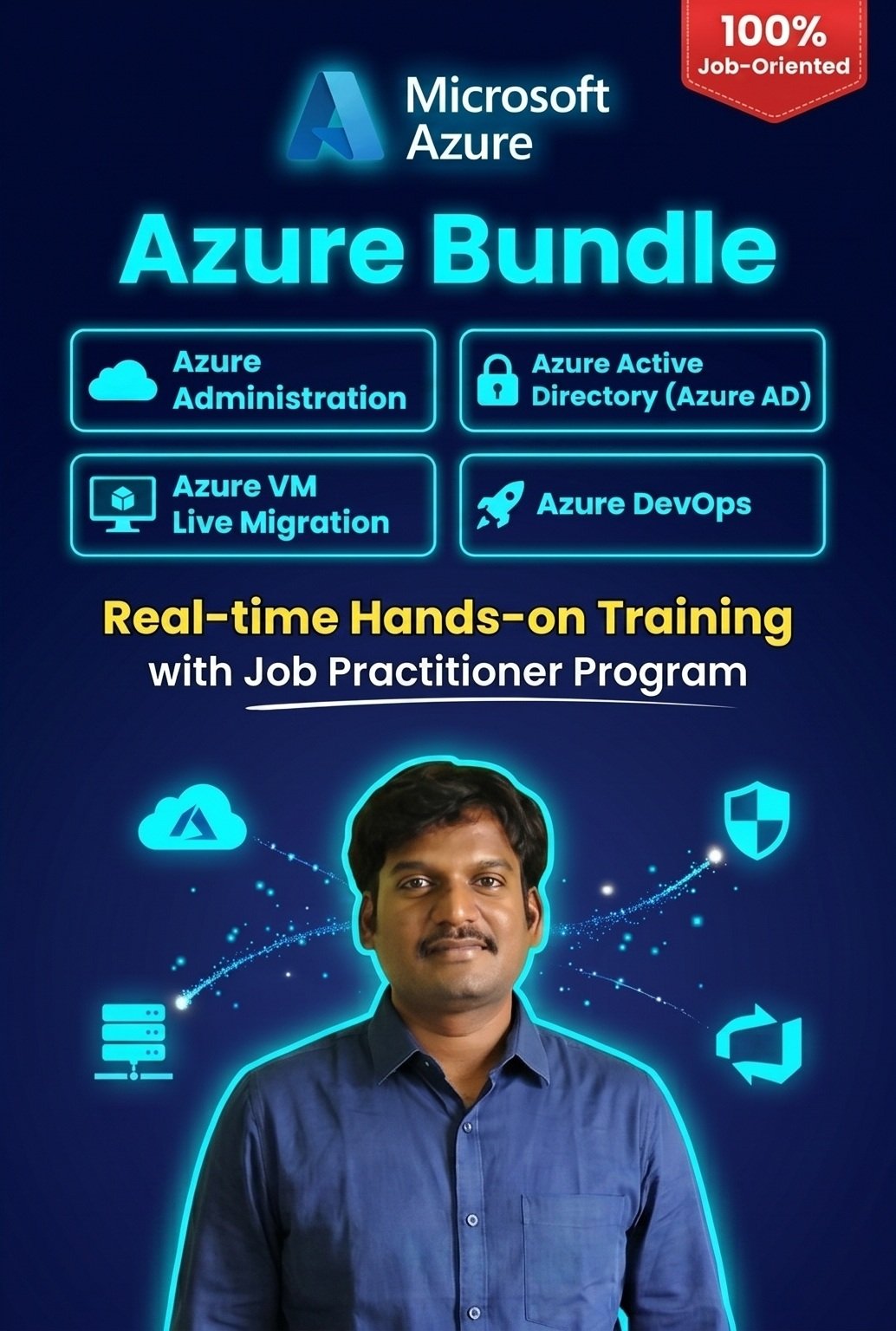
⏳ Just 4 Months Between You & Your Dream Cloud Career
Every weekday — Monday through Friday — you'll take one more powerful step toward mastering Microsoft Azure.
🕐 Duration: 4 Months of Intensive, Career-Defining Learning
📆 Classes: 5 Days a Week
☁️Welcome to the Future of Computing
Imagine a world where every company had to build its own power plant just to turn on the lights. That was the reality of IT not too long ago — businesses poured enormous time, money, and resources into constructing massive data centers, stacked with servers, storage systems, and databases, all painstakingly configured by hand. It was slow, costly, and exhausting. But then — everything changed.
🚀Enter the Cloud Revolution Cloud computing didn't just improve the old way of doing things — it completely reinvented it. Now, instead of building and maintaining your own infrastructure, you can summon world-class computing power in seconds, scale it effortlessly, and pay only for what you use. Think of it as the ultimate "pay-as-you-go" superpower — like flipping a switch and having an entire data center at your fingertips.
🌟Azure — Your Gateway to the Cloud Microsoft Azure stands at the forefront of this revolution, offering a sleek, powerful, and intuitive console that puts you in complete control of your cloud resources — tailored precisely to your project's unique needs. No more waiting weeks for hardware. No more spiraling infrastructure costs. Just pure, on-demand power.
🎯 What This Course Will Do for You This course is your launchpad. By the end, you won't just understand the Azure console — you'll command it with confidence. Whether you're provisioning resources, optimizing performance, or architecting solutions, you'll walk away as a true Azure master, ready to harness the full potential of the cloud.
☁️ Introduction to Cloud Computing Your Gateway to the Digital Universe
🏢 What is a Data Center?
Before the cloud, there was the data center — the beating heart of every digital operation.
Step inside the world of data centers, where rows of powerful machines work tirelessly to store, process, and deliver information. But not all data centers are created equal. Explore the fascinating spectrum:
🏛️ Enterprise Data Centers — Massive, private powerhouses built and owned by large organizations ⚡ Edge Data Centers — Compact, lightning-fast facilities positioned closer to end users for ultra-low latency 🔬 Micro Data Centers — Portable, self-contained units that bring computing power anywhere in the world ☁️ Cloud Data Centers — Colossal, globally distributed infrastructures that power the modern digital world
📖 Essential Cloud Terminology Speak the Language of the Cloud Unlock the vocabulary that every modern tech professional must know. From foundational concepts to industry-defining terms — this is where your cloud fluency begins.
❓ What is the Cloud?
It's not just storage in the sky — it's a revolution in how the world computes.
Discover the true meaning of cloud computing and why it has become the backbone of modern business and technology.
💡 Why the Cloud?
Because speed, scale, and savings matter.
Uncover the compelling reasons why millions of businesses worldwide have abandoned traditional infrastructure and embraced the limitless possibilities of the cloud.
🌐 Cloud Deployment Models Choose your cloud journey:
🔒 Private Cloud — Exclusive, dedicated, and fully in your control 🌍 Public Cloud — Shared, scalable, and incredibly cost-effective 🔀 Hybrid Cloud — The best of both worlds, seamlessly connected 🤝 Multi-Cloud — Harnessing the power of multiple cloud providers simultaneously
⚙️ Different Types of Cloud Services
Whatever you need — the cloud delivers it.
From raw infrastructure to fully managed platforms, explore the rich ecosystem of cloud services designed to fuel innovation at every level.
💰 CapEx vs OpEx Rethinking How You Invest in Technology
🏗️ CapEx (Capital Expenditure)
🔄 OpEx (Operational Expenditure)
Heavy upfront investment
Pay-as-you-go flexibility
Own and maintain hardware
Shift costs to operations
Slow to scale
Instantly scalable
🧱 IaaS, PaaS & SaaS The Holy Trinity of Cloud Services
🖥️ IaaS (Infrastructure as a Service) — Rent the foundation: servers, networking, and storage on demand 🛠️ PaaS (Platform as a Service) — Build and deploy applications without worrying about the underlying infrastructure 📦 SaaS (Software as a Service) — Access powerful software instantly, anywhere, on any device
🏗️ Azure Architectural Components The Blueprint of Microsoft's Cloud Empire Dive deep into the elegant architecture that makes Microsoft Azure one of the world's most powerful cloud platforms — from regions and availability zones to resource groups and management hierarchies.
🔑 Azure Account Creation Your Cloud Journey Begins Here Setting up your Azure account is your first step toward cloud mastery. Follow a seamless, guided walkthrough and gain access to one of the most feature-rich cloud platforms on the planet — in minutes.
📋 What Are Azure Subscriptions? The Key to Unlocking Azure's Full Potential Think of Azure Subscriptions as your all-access pass to the cloud. Understand how subscriptions work, how they organize your resources, and how they help you manage costs, access, and governance like a true cloud professional.
Introduction to Cloud Computing
What is Datacenter?
Enterprise data centers
Edge Data Center Micro Data Center Cloud data centers.
Essential Cloud Terminology?
What is Cloud
Why Cloud
Cloud Deployment Models
Different Type of cloud Services
CapEx vs OpEx
IaaS, PaaS, SaaS
Azure Architectural Components
Azure account creation
What are Azure Subscriptions
Azure Administration
A comprehensive Azure administration course typically covers a wide range of topics related to managing and maintaining Microsoft Azure cloud services. Below is a sample outline of the course content:
1. Azure components and terminology
Regions
Resource Groups Storage Accounts SLA
Azure tenant
Azure tenant hierarchy
Azure tenant vs Subscription
2. Managing Microsoft Azure Resources
Managing Azure resources from GUI
Azure Portal
Managing Azure resources from CLI Azure shell
3. Managing Azure Compute
Azure Virtual Machine creation
Azure VM Pricing
Managing Azure Resources with Azure Portal
Virtual Machine Custom Script Extension
Azure Bastion Service
Virtual Machine Scale Sets
Create a VM in Power Shell
4. Design and Implement Core Networking Infrastructure
Introduction to virtual networks
Understanding IP Addresses
Configuring and Managing Azure Virtual networks
Configuring Azure virtual Subnets
IP Address Calculation and Subnet creation
Introduction to VNET Peering
Communication between 2 machines
Configure Global Peering
Azure-to-Azure Virtual NetworkGateway
Adding a Network Gateway Connection Network Routing
Implementing Azure to On-Prem Connectivity
Introduction to Virtual Network Gateway
Configuring Azure VNET Gateway to AWS VPN Connectivity
Introduction to HUB and Spoke Network
Azure bastion host configuration and pricing
5. Design and Implement Network Security Groups
Introduction to NSG
Understanding Inbound and Outbound Security Rules
Azure NSG Rule Enforcement
Network Security Groups Hierarchy
NSG Rule Priorities
Enabling Azure NSG flow logs using the Azure CLI
Enabling Azure NSG flow logs using the Azure PowerShell
What is the difference between Azure firewall and NSG?
Introduction to Application Security Groups
Azure NSG flow logs and use cases
6. Design and Implement Azure Firewall
What is Azure Firewall?
Deploy and configure Azure Firewall
Azure Firewall Standard features
Policy rule sets
traffic block using Azure firewall
Introduction of SNAT and DNAT
Azure Firewall pricing
7. Azure NAT GateWay
Configure a NAT gateway using the Azure portal
Configuration virtual network and virtual machine
Deploy and configure Azure Firewall
Create a NAT gateway and associate with the virtual network.
Connect to virtual machine and verify NAT IP address.
Azure hub and spoke model
8. Azure Load balancer and Configuration
Introduction of Azure Load Balancer.
Load Balancer Resources.
Limitations of a Load Balancer.
Internal Load Balancer.
Introduction to Backend Pools, Health probes and Load balancer rules.
Features of a Load Balancer.
Create and Manage a Standard Load Balancer Using the Azure Portal.
Azure Traffic Manager.
9. Azure Auto scaling components and configuration
Introduction to Azuto scaling
Horizontal vs vertical scaling
Azure Monitor autoscale common metrics
Configuration settings
Best practices
Scale with custom metrics
Benefits of autoscale
Scale virtual machine scale sets
Verifying scalset using stress package
Scale virtual machine scale sets using Resource Manager templates
Use webhooks and email notifications
Auto Scale Set Troubleshooting
10. Azure DNS Configuration and Implementation
What is Azure DNS ?
What is Azure Private DNS?
DNS record configuration and verification
Load balancer configuration and website hosting
Creation of HOST and Alias record
Configuration of Public DNS and Private DNS
DNS Real-time use cases
11. Azure Standard Load Balancer
What is Azure Standard Load Balancer ?
Add rules for Azure Load Balancer with virtual machine scale sets
Port forwarding and inbound NAT rules
Virtual Machine Scale Set Instance-level IPs
12. Azure Application Gateway
What is Azure Application Gateway?
Create Application Gateway - Azure CLI
Path based routing in azure application gateway
Enabling azure application gateway on VM’s
Ingress Controller add-on for AKS
13. Azure Storage Service
Storage Service
Azure Storage Account
Azure Blob Storage
Creating a Container Blob Configuration
Azure Storage Security
Azure File Storage Table & Queue Storage Azure Disk Storage
Storage monitoring
15. Azure Backup and site recovery
What is Backup and disaster recovery
Azure Backup
Azure Site Recovery
Azure Archive Storage
Azure Backup architecture
What is Azure Site Recovery?
Azure Site Recovery architecture
Azure Backup vs. Azure Site Recovery
16. Azure App Services
Azure Web AppAzure Mobile App
Azure Notification Hub
App Service Backup
App Service Security
App Service Monitoring
17. Azure Cost Management + Billing
Understand Cost Management
Select a cost view
Select a date range
Switch between actual and amortized costs
View costs in table format
Manage billing access to costs
Download cost and usage data that was used to generate your monthly invoice
Azure IaC : Azure Infrastructure as Code
An Azure Infrastructure as Code (IaC) course equips you to manage and provision Azure resources efficiently using code. Let's explore what you'll learn:
1: Introduction to Infrastructure as Code (IaC)
Overview of IaC concepts and benefits
Comparison of imperative vs. declarative provisioning
Introduction to Azure Resource Manager (ARM) Templates
Overview of other IaC tools and technologies (e.g., Terraform)
2: Azure Resource Manager (ARM) Templates
Understanding ARM template structure and syntax
Deployment modes: incremental vs. complete
Parameters and variables in ARM templates
Conditional deployments and loops
Best practices for writing efficient and reusable ARM templates
3: Managing Azure Resources with Terraform
Overview of Terraform and its advantages
Installing and configuring Terraform for Azure
Writing Terraform configuration files (HCL)
Resource provisioning, modification, and deletion with Terraform
Terraform state management and remote backends
4: Introduction to Azure Packer
Overview of image building process in Azure
Introduction to HashiCorp Packer
Key features and benefits of using Packer in Azure
Understanding Packer templates
5: Installing and Configuring Packer
Installing Packer on various operating systems
Configuring authentication with Azure
Creating and managing Packer configurations
Introduction to Packer builders and provisioners
6: Building Custom Images with Packer
Basic Packer configurations for Azure
Building VM images with Packer
Customizing VM images with pre-configured software and settings
Using shell scripts, PowerShell scripts, and configuration management tools with Packer
7: Case Studies and Best Practices
Real-world use cases and case studies of IaC implementations in Azure
Best practices for designing, implementing, and maintaining IaC solutions
Performance optimization tips and troubleshooting strategies for IaC workflows
Azure Active Directory (Azure AD)
Azure Active Directory (Azure AD) typically covers various aspects of managing identities, access, and security in the Microsoft Azure cloud environment. Here's a structured outline of the content that such a course might include:
1. Azure AD Fundamentals
Understanding identity and access management (IAM) in the cloud
Introduction to Azure AD concepts: tenants, users, groups, directories
Comparing Azure AD with Active Directory Domain Services (AD DS)
Key features and benefits of Azure AD
Comparison of Azure AD editions (Free, P1, P2)
2. Managing Users and Groups in Azure AD
Creating, editing, and deleting users and groups
Assigning roles and permissions to users and groups
Managing user lifecycles (provisioning, de-provisioning)
3. Securing Access with Azure AD
Multi-factor Authentication (MFA) for enhanced security
Conditional Access policies to control access based on conditions
Identity Governance for managing user access reviews and privileged access
5. Azure AD Connect and Hybrid Identity
Synchronizing identities between on-premises Active Directory and Azure AD
Enabling single sign-on for on-premises resources
Managing hybrid identity environments
Integration of Azure AD with on-premises Active Directory
6. Monitoring and Troubleshooting Azure AD
Using Azure AD reporting to track user activity and access attempts
Troubleshooting common Azure AD issues
Best practices for securing your Azure AD tenant
Azure DevOps
A course on Azure DevOps typically covers various aspects of the Azure DevOps platform, including version control, continuous integration, continuous delivery, and agile project management.
1: Introduction to Azure DevOps
Overview of Azure DevOps services and components
Understanding Azure Boards, Repos, Pipelines, Test Plans, and Artifacts
Introduction to DevOps practices and principles
2: Azure Repos
Managing source code with Git in Azure Repos
Branching and merging strategies
Integrating Git repositories with Visual Studio Code and other IDEs
Branch policies and code reviews
3: Azure Pipelines
Building, testing, and deploying applications with Azure Pipelines
Creating CI/CD pipelines for different application types (e.g., .NET, Node.js, Python)
Pipeline as code: YAML-based pipeline definitions
Integrating with other Azure services and external systems
4: Azure Boards
Managing agile projects with Azure Boards
Creating and managing work items (e.g., User Stories, Tasks, Bugs)
Sprint planning and backlog management
Customizing boards and dashboards
5: Azure Test Plans
Creating and managing test plans and test suites
Manual and exploratory testing
Automated testing with Azure Pipelines
Test case management and reporting
6: Azure Artifacts
Managing packages and dependencies with Azure Artifacts
Creating and publishing packages (e.g., NuGet, npm)
Package versioning and feeds management
Package caching and distribution
7: Integrations and Extensions
Integrating Azure DevOps with other tools and services (e.g., GitHub, Slack, Jira)
Using Azure DevOps REST APIs and SDKs for automation
Exploring the Azure DevOps Marketplace for extensions and integrations
Customizing and extending Azure DevOps with custom extensions
8: Monitoring and Analytics
Monitoring pipeline performance and health
Analyzing build and release trends with Azure DevOps Analytics
Creating custom reports and dashboards
Continuous improvement and optimization based on analytics
9: Best Practices and Advanced Topics
Best practices for adopting and scaling Azure DevOps in organizations
Advanced pipeline configurations and techniques
Infrastructure as Code (IaC) with Azure DevOps
Tips for successful DevOps adoption and transformation
Azure Container Registry (ACR) And Azure Kubernetes Service
1. Introduction to Azure Container Registry
Overview of containerization and container registries
Introduction to Azure Container Registry (ACR) and its features
Understanding container image management and distribution
2. Introduction to Azure Kubernetes Service (AKS)
Overview of containerization and Kubernetes
Introduction to Azure Kubernetes Service (AKS) and its features
Understanding the benefits of using AKS for container orchestration
3. Getting Started with Azure Container Registry
Creating and configuring Azure Container Registry
Authentication and access control in ACR
Pushing and pulling container images to/from ACR
Managing repositories and tags
4. Integrating ACR with Docker and Kubernetes
Using Docker CLI to interact with Azure Container Registry
Configuring Kubernetes to pull images from ACR
Managing Kubernetes secrets for accessing ACR
Deployment strategies with Kubernetes and ACR
5. Getting Started with AKS
Creating and configuring an AKS cluster
Authentication and access control in AKS
Managing node pools and VM scaling
Integrating AKS with Azure Monitor and Log Analytics
6. Deploying Applications to AKS
Containerizing applications with Docker
Creating Kubernetes manifests for application deployment
Deploying applications to AKS using kubectl and Helm
Configuring networking and ingress for AKS applications
7. Monitoring and Logging
Monitoring AKS clusters with Azure Monitor
Configuring logging with Azure Log Analytics
Monitoring containerized applications in AKS
Analyzing AKS performance metrics and logs
8. Scaling and Autoscaling
Horizontal and vertical pod autoscaling in AKS
Cluster autoscaler for scaling AKS nodes
Configuring custom metrics for autoscaling
Best practices for autoscaling AKS deployments
9. High Availability and Disaster Recovery
Designing for high availability in AKS
Implementing multi-zone AKS clusters
Backup and restore strategies for AKS
Disaster recovery planning and failover scenarios
10. CI/CD with AKS
Implementing CI/CD pipelines with Azure DevOps and GitHub Actions
Continuous deployment to AKS using Azure Container Registry (ACR)
Blue-green deployments and canary releases in AKS
Rolling updates and rollbacks with AKS deployments
11. Cost Optimization and Governance
Optimizing AKS costs with reserved instances and spot instances
Implementing cost management and budgeting for AKS clusters
Implementing governance policies and controls for AKS
Resource tagging and cost allocation strategies
12: Best Practices and Optimization
Best practices for designing and deploying applications on AKS
Optimizing AKS cluster performance and resource usage
Tips for troubleshooting common issues and optimizing AKS deployments
Advanced AKS features and use cases
Azure Migration
1. Introduction to Azure Migrations
Overview of cloud migration strategies and benefits
Introduction to Azure Migration Center and Azure Migrate
Understanding different migration scenarios and use cases
Identifying migration goals and objectives
2. Assessing Workloads for Migration
Discovery and assessment tools in Azure Migrate
Assessing on-premises infrastructure for Azure suitability
Assessing application dependencies and performance
Identifying migration blockers and risks
3. Planning and Preparing for Migration
Creating a migration plan and roadmap
Determining migration priorities and timelines
Preparing the target Azure environment
Planning for data migration and transfer
4. Lift-and-Shift Migrations with Azure Site Recovery
Overview of Azure Site Recovery (ASR)
Migrating virtual machines (VMs) from on-premises to Azure
Implementing disaster recovery and business continuity with ASR
Managing and monitoring migration with ASR
7. Data Migration Strategies
Planning and executing data migration projects
Migrating data to Azure Storage solutions
Migrating data to Azure SQL Database, Azure Cosmos DB, and other database services
Best practices for data migration and synchronization
8. Network and Security Considerations
Planning network connectivity between on-premises and Azure
Implementing Azure ExpressRoute and VPN Gateway for secure connectivity
Designing network security and access controls in Azure
Identity and access management considerations in Azure
9. Post-Migration Operations and Optimization
Validating migrated workloads and applications
Optimizing performance and resource utilization in Azure
Implementing ongoing monitoring, management, and maintenance
Continuous improvement and optimization strategies
Lab Exercises and Hands-On Practice
Hands-on labs and exercises throughout the course to reinforce learning objectives and gain practical experience with Azure migration tools and techniques.
To stay updated with regular alerts via email, subscribing is quick and hassle-free. Please fill out the subscription form below to receive timely updates. By providing your information, you will be added to our mailing list, keeping you informed about the latest news and announcements
12345.png)